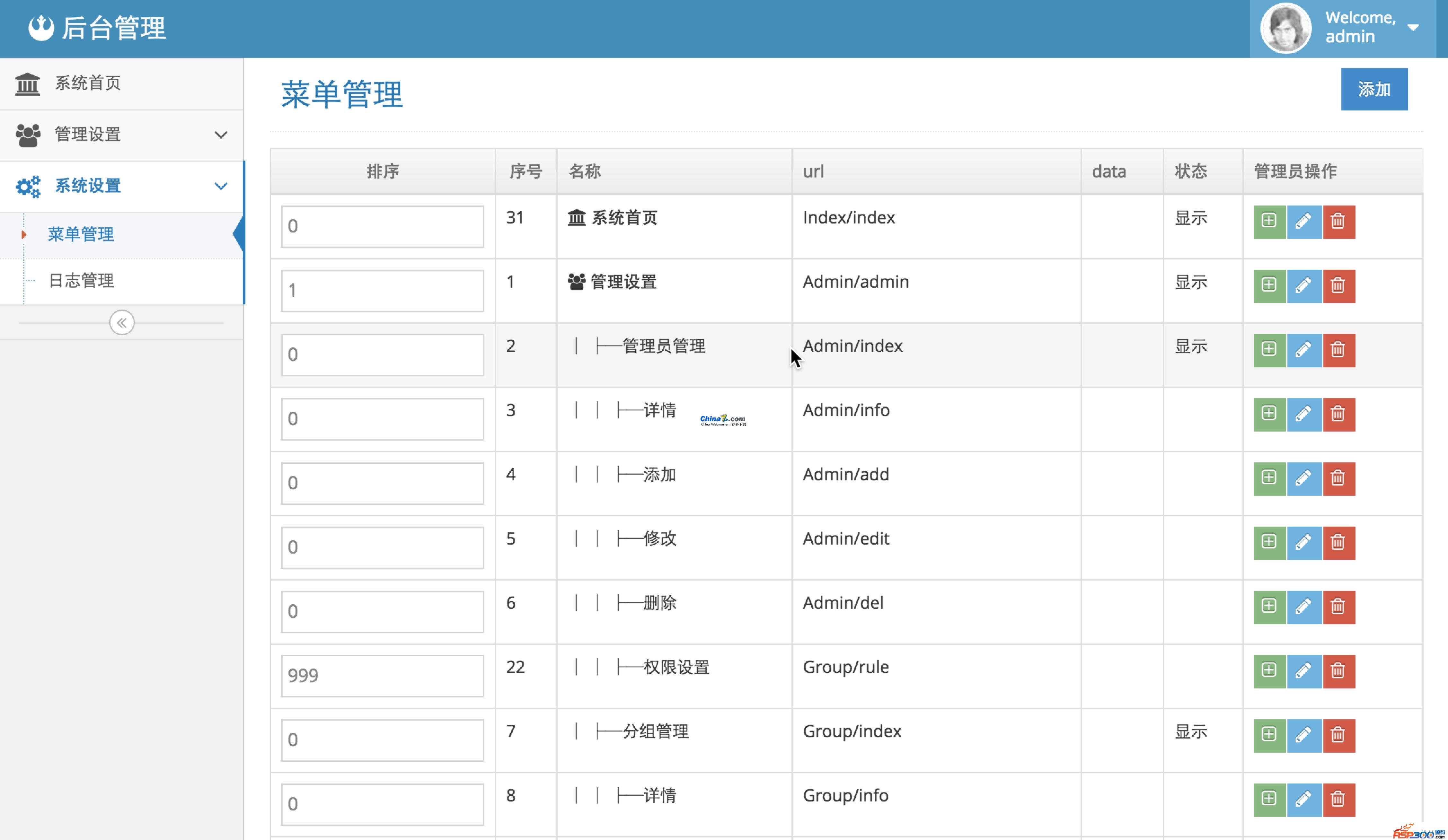
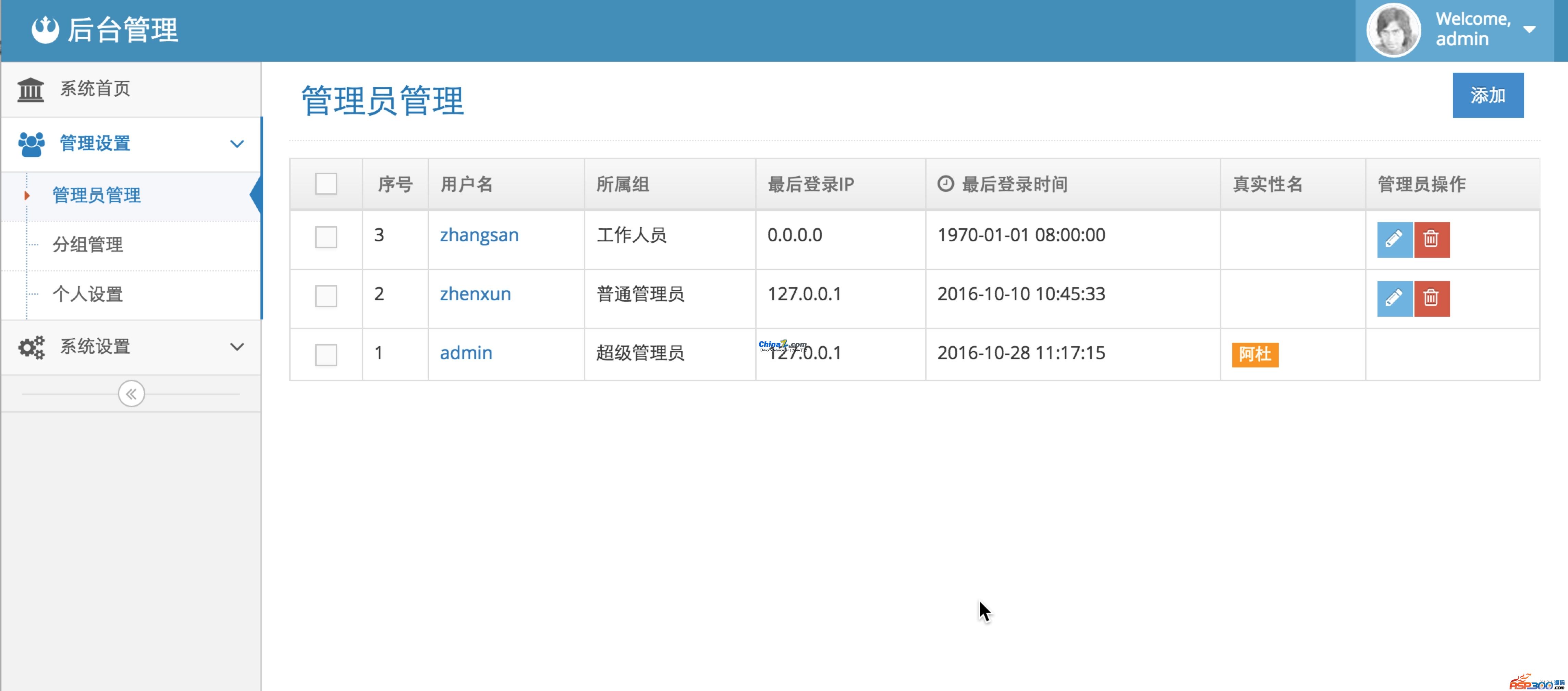
php后台管理系统_TP5admin是一个以thinkphp5框架+Bootstrap进行开发的后台管理系统,后台已做好菜单与权限管理,支持一个管理员多个组。这是我学习tp5用来练手用的。仅供参考使用!
环境:需在大于php5.4版本的环境下,软件才能正常运行。
安装步骤:
虚拟机配置,需要绑定到public目录中,这样比较安全.
Nginx虚拟机配置如下:
server {
listen 80;
server_name tp5admin.com;
root "/Users/mac/wwwroot/work/tp5admin.com/public";
location / {
index index.html index.htm index.php;
autoindex on;
if (!-e $request_filename) {
###一级目录下
rewrite ^/(.*)$ /index.php/$1 last;
###域名下的二级目录
#rewrite ^/目录名/(.*)$ /目录名/index.php/$1 last;
}
}
location ~ \.php(.*)$ {
fastcgi_pass 127.0.0.1:9000;
fastcgi_index index.php;
fastcgi_split_path_info ^((?U).+\.php)(/?.+)$;
fastcgi_param script_FILENAME $document_root$fastcgi_script_name;
fastcgi_param PATH_INFO $fastcgi_path_info;
fastcgi_param PATH_TRANSLATED $document_root$fastcgi_path_info;
include fastcgi_params;
}
}
window环境 LAMP 配置
1 在 C:\Windows\System32\drivers\etc\hosts文件底部添加
127.0.0.1 tp5admin.com
2 在httpd.conf 文件底部添加 tp5admin 网站配置
ServerName tp5admin.com
DocumentRoot C:\xampp\htdocs\tp5admin\public
3 重启apache 即可 运行tp5admin.com/admin 即可
环境:需在大于php5.4版本的环境下,软件才能正常运行。
安装步骤:
虚拟机配置,需要绑定到public目录中,这样比较安全.
Nginx虚拟机配置如下:
server {
listen 80;
server_name tp5admin.com;
root "/Users/mac/wwwroot/work/tp5admin.com/public";
location / {
index index.html index.htm index.php;
autoindex on;
if (!-e $request_filename) {
###一级目录下
rewrite ^/(.*)$ /index.php/$1 last;
###域名下的二级目录
#rewrite ^/目录名/(.*)$ /目录名/index.php/$1 last;
}
}
location ~ \.php(.*)$ {
fastcgi_pass 127.0.0.1:9000;
fastcgi_index index.php;
fastcgi_split_path_info ^((?U).+\.php)(/?.+)$;
fastcgi_param script_FILENAME $document_root$fastcgi_script_name;
fastcgi_param PATH_INFO $fastcgi_path_info;
fastcgi_param PATH_TRANSLATED $document_root$fastcgi_path_info;
include fastcgi_params;
}
}
window环境 LAMP 配置
1 在 C:\Windows\System32\drivers\etc\hosts文件底部添加
127.0.0.1 tp5admin.com
2 在httpd.conf 文件底部添加 tp5admin 网站配置
ServerName tp5admin.com
DocumentRoot C:\xampp\htdocs\tp5admin\public
3 重启apache 即可 运行tp5admin.com/admin 即可
下载地址已转移到新版网站,请点击左上角-首页,在新版网站搜索此套源码的标题进行下载。